
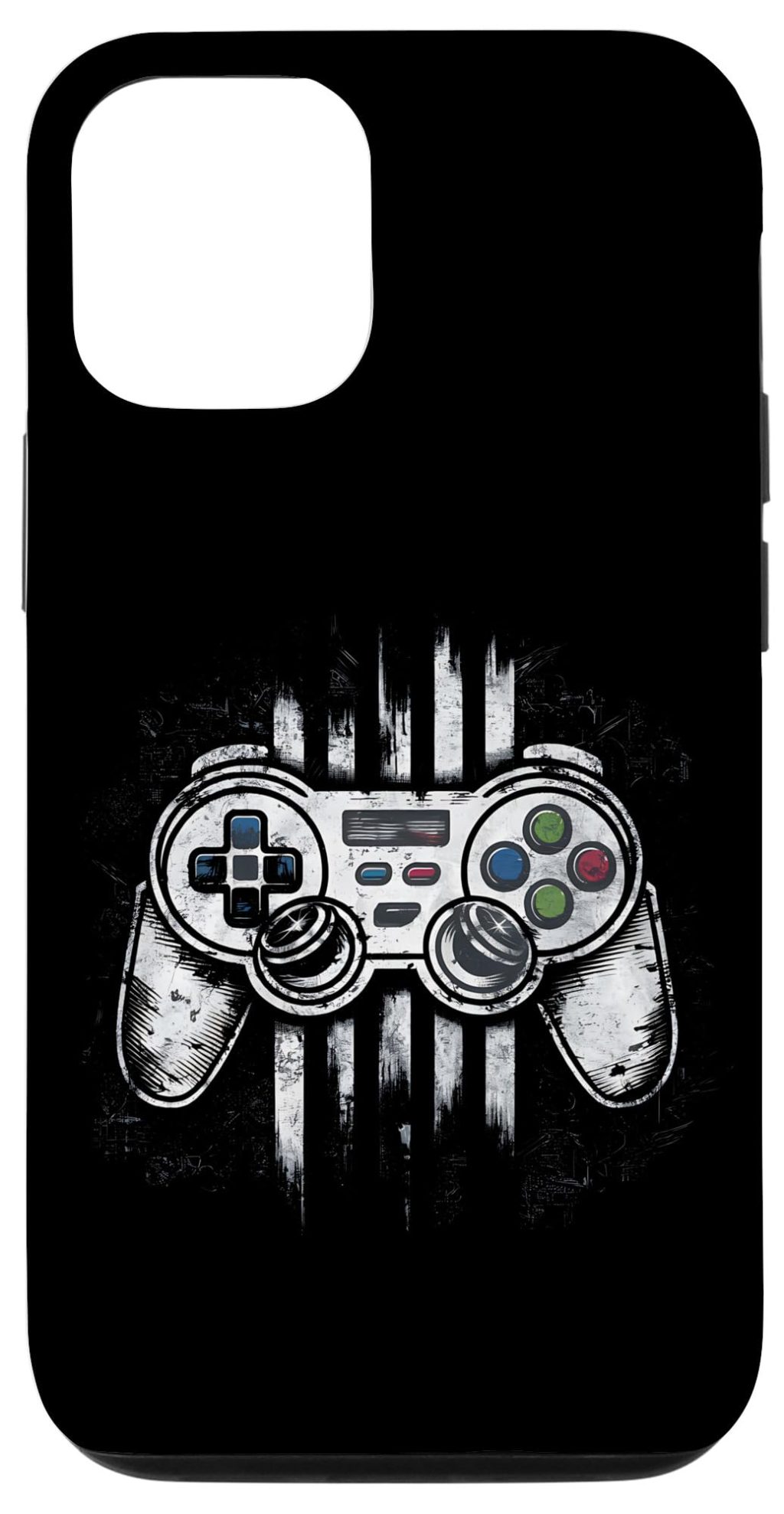
So, you’ve got an iPhone in your pocket that’s more powerful than the entire arcade of 1985. And honestly? That thought is kind of wild. You can run a PS2 emulator on a device that fits in your palm. But here’s the rub: retro gaming on iPhones isn’t just about downloading an app and calling it a day. There’s a whole dance of setup quirks, legal gray areas, and a few “oh, that’s why it’s not on the App Store” moments. Let’s untangle it together.
Why iPhone Emulation Is Suddenly a Big Deal
For years, Apple was the gatekeeper. Emulators? Banned. Jailbreak? Risky. But the winds shifted in 2024. Apple quietly loosened its App Store guidelines — partly due to EU pressure, partly because the retro community just wouldn’t shut up about it. Now, emulators like Delta and PPSSPP are officially available. Not sideloaded. Not jailbroken. Just… there.
But wait — there’s a catch. Apple still hates anything that might look like piracy. So while the emulator itself is legal, the ROMs you feed it? That’s where things get sticky. More on that in a minute.
Setting Up Your iPhone for Retro Gaming
Let’s say you want to play Chrono Trigger on your commute. Here’s the deal: you need three things — an emulator, a ROM file, and a bit of patience. The setup isn’t hard, but it’s not quite “plug and play” either.
Step 1: Pick Your Emulator
Not all emulators are created equal. Here’s a quick rundown of what’s hot right now:
- Delta – The king of iOS emulation. Supports NES, SNES, N64, Game Boy, and DS. Clean UI, save states, controller support. Free.
- PPSSPP – For PSP games. It’s been around forever on Android, and now it’s on iOS. Upscales graphics beautifully.
- RetroArch – The Swiss Army knife. It’s ugly, it’s confusing, but it runs everything from Atari 2600 to PlayStation. Not for beginners.
- Provenance – A newer contender. Focuses on simplicity and covers multiple consoles.
Pro tip: Delta is your best bet if you’re just dipping your toes in. It’s the emulator that “just works.”
Step 2: Sourcing ROMs (Legally, Ideally)
Alright, here’s the elephant in the room. Emulators are legal. ROMs? Not so much — unless you own the original game. The Digital Millennium Copyright Act (DMCA) makes downloading ROMs from random websites a legal gray area. In fact, it’s technically copyright infringement. But there are loopholes.
- Dump your own ROMs: If you own a physical cartridge, you can rip it using a device like the Retrode or GB Operator. Then transfer the file to your iPhone. This is the only 100% legal method.
- Homebrew and public domain games: Tons of indie developers release free, legal ROMs. Check out sites like Itch.io for original retro-style games.
- Abandonware? That’s a myth. Just because a game isn’t sold anymore doesn’t make it legal to download. Companies still hold the rights.
Look, I’m not your lawyer. But if you’re downloading Pokémon Emerald from a shady site, you’re technically breaking the law. Will anyone come after you? Probably not. But it’s worth knowing the risk.
Step 3: Transferring Files to Your iPhone
This is where people get tripped up. iPhones don’t have a file system like Android. You can’t just drag and drop a ROM into a folder. Here’s how to do it:
- AirDrop: Send the ROM from your Mac or PC to your iPhone. Works like magic.
- Files app: Use a cloud service (iCloud, Google Drive, Dropbox) to upload the ROM, then download it on your iPhone.
- iTunes/Finder: Old school, but reliable. Connect your iPhone to a computer, drag the ROM into the emulator’s file folder.
Once the ROM is in your iPhone’s Files app, open your emulator and navigate to that folder. Boom — you’re playing Super Mario World in 5 minutes.
Legal Considerations: The Fine Print You Can’t Ignore
Let’s get real for a second. Emulation isn’t piracy. But it’s often treated that way by big corporations. Nintendo, for example, has a history of suing ROM sites and even emulator developers. In 2023, they took down Yuzu, a Switch emulator, in a high-profile case. The message? They’re watching.
Here’s what you need to know to stay on the right side of the law:
- Emulators are legal. They’re just software that mimics hardware. No copyright infringement there.
- ROMs you own are legal. If you dump them yourself. Downloading them is a different story.
- BIOS files (for PS1, PSP, etc.) are also copyrighted. You need to rip those from your own console.
- Modding your iPhone (jailbreaking) voids your warranty and can expose you to security risks. Not worth it for emulation anymore.
One more thing: Apple’s App Store rules still ban emulators that load code from external sources. That’s why Delta only plays ROMs you provide — it doesn’t come with any games pre-loaded. Clever, right?
Controllers, Save States, and Other Quality-of-Life Hacks
Touchscreen controls are… fine. But for anything beyond turn-based RPGs, you’ll want a controller. The Backbone One and Razer Kishi are popular choices. They clip onto your iPhone and turn it into a mini Game Boy Advance SP. Honestly, it’s a game-changer.
Save states are another killer feature. Emulators let you save anywhere, anytime. Stuck on a boss? Save right before, retry without replaying the whole level. It’s the kind of convenience that makes retro gaming feel modern.
Oh, and cheat codes? Most emulators support GameShark or Action Replay codes. Want infinite lives in Contra? Go ahead. No one’s judging.
Performance and Compatibility: What Actually Works
Not every game runs perfectly. Here’s a rough compatibility table based on iPhone model and emulator:
| Console | Emulator | iPhone 12+ | Older iPhones |
|---|---|---|---|
| NES/SNES | Delta | Flawless | Flawless |
| N64 | Delta | Good (some slowdown) | Choppy |
| PSP | PPSSPP | Great (2x resolution) | Playable at 1x |
| PS1 | RetroArch | Flawless | Good |
| Nintendo DS | Delta | Good (dual screen tricky) | Okay |
Pro tip: Turn on “frame skip” in settings if a game stutters. It trades smoothness for speed, but it’s better than a slideshow.
The Future of iPhone Emulation
We’re in a golden age, honestly. With Apple’s policy shift, more developers are porting emulators to iOS. There’s even talk of a Dolphin emulator (GameCube/Wii) making its way to iPhones. Imagine playing Super Smash Bros. Melee on your phone. That’s not a dream — it’s probably a year away.
But there’s a flip side. Big publishers are getting smarter. Nintendo’s legal team is aggressive. And Apple might clamp down again if emulation leads to a surge in piracy complaints. For now, though, the community is thriving. Reddit threads, Discord servers, and YouTube tutorials are popping up daily.
Closing Thoughts (No Fluff, I Promise)
Retro gaming on an iPhone isn’t just nostalgia — it’s a way to carry a piece of history in your pocket. The setup takes a little effort. The legal side requires some caution. But the payoff? Playing Final Fantasy VI on a lunch break, or showing a friend GoldenEye for the first time. That’s priceless.
So go ahead. Download an emulator. Rip your old cartridges. And remember: the hardware might be new, but the joy is timeless.


More Stories
iPhone Accessibility Features for Neurodivergent Users: A Practical Guide (2025 Edition)
Privacy-first iPhone photography workflow
Building a Small Business or Side Hustle Using Only an iPhone